Well at least when it comes to coding …
… Codex
toys are are only interesting when you play with them in ways the toymaker never expected!
Well at least when it comes to coding …
… Codex
root@ubuntu:~# lsblk
fdisk /dev/sda # open sda in 'fdisk'
cryptsetup luksOpen /dev/sda5 target    # use the LUKS password to decrypt sda5
vgscan --mknodes && vgchange -ay        # Identify and activate the LVM.
cryptsetup resize target                # Resize the crypt
pvresize /dev/mapper/target             # Resize the volume group
pvchange -x y /dev/mapper/target        # unlock the (LVM) physical volume.
lvresize -r -L+32G /dev/xubuntu-vg/root # increase our root volume by in this case 32GB, resizing (-r) the underlying filesystem
vgdisplay                               # find out how much space is now available in our volume group
pvchange -x n /dev/mapper/target        # re-lock the physical volume
shutdown -h now                         # we are done with the Live CD so.
cryptsetup luksOpen /dev/sda5 target                         # use the LUKS password to decrypt sda5
                                                             # the system may automatically mount sda and the logical volumes
                                                             # inside target_encrypted_volume. If so unmount them.
vgscan --mknodes && vgchange -ay                             # Identify and activate the LVM.
cryptsetup resize target                                     # Resize the crypt
pvresize /dev/mapper/target                                  # Resize the volume group
lvdisplay                                                    # Use 'lvdisplay' to identify the target volumes for managing
lvremove /dev/xubuntu-vg/swap                                # remove our swap volume, it is in the way.
pvchange -x y /dev/mapper/target                             # unlock the (LVM) physical volume.
lvresize -r -L+32G /dev/xubuntu-vg/root                      # increase our root volume by in this case 32GB, resizing (-r) the underlying filesystem
vgdisplay                                                    # find out how much space is now available in our volume group
lvcreate --extents 1024 -n /dev/xubuntu-vg/swap   xubuntu-vg # Create a new volume (516 comes from finding the available 'logical extents' in the group using 'vgdisplay'). Remove Swap signature
pvchange -x n /dev/mapper/target                             # re-lock the physical volume (may be redundant)
mkswap /dev/xubuntu-vg/swap                                  # make the new 4GB volume a swap volume. Copy the UUID to the clipboard.
lvdisplay                                                    # Use 'lvdisplay' to check our new volumes look good.
lsblk                                                        # final sanity check
shutdown -h now                                              # we are done with the Live CD
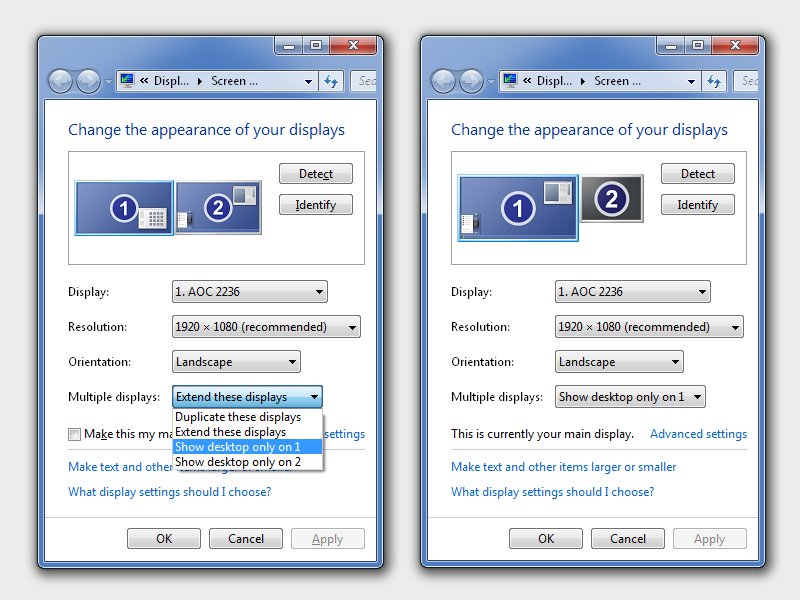
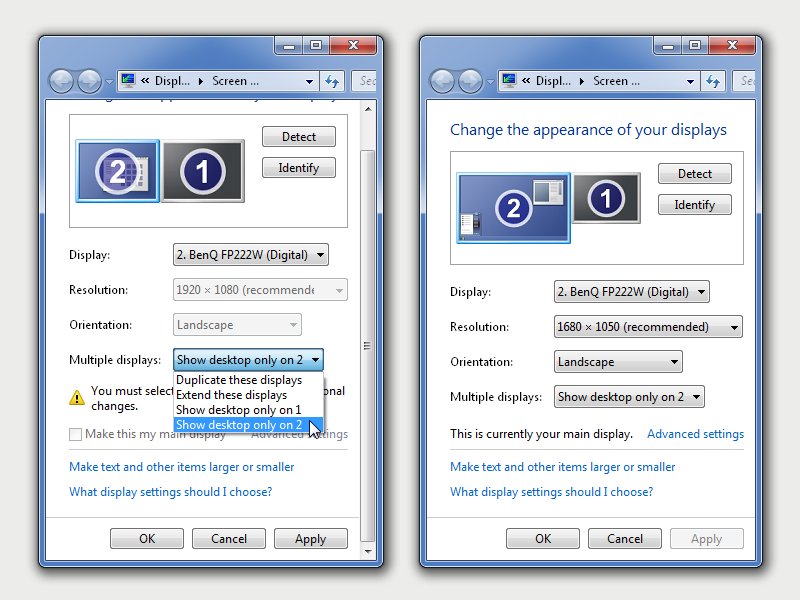
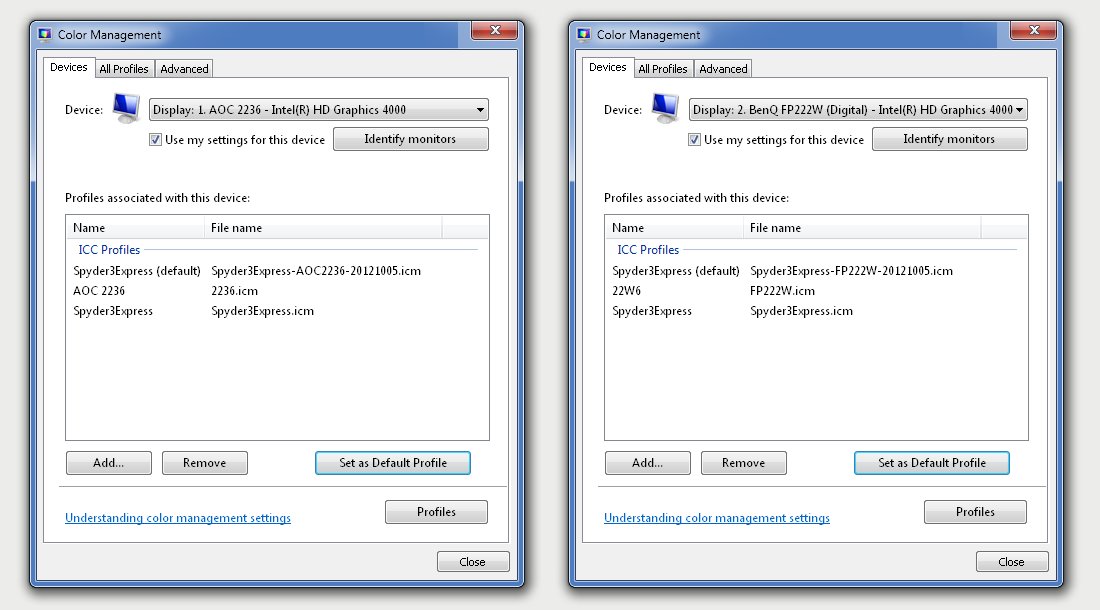
 I have been using my trusted Spyder3 Express in a WindowsXP environment for a few years now to calibrate my monitors and ensure consistent colour and tone rendering between computers. Recently however I upgraded to a new Windows7 dual monitor desktop and officially the Spyder3 Express no longer worked for me.